Know + TellFind your thing →

VIDEO AND AUDIO

Video and audio.Show it. Say it.

You don’t need a studio. Today’s tools let you record and edit video and podcasts from your kitchen, garage or workshop, with a phone or a laptop.

What it doesWho it’s forOur favorites

THE SHORT ANSWER

Video and audio tools let you record yourself or an interview, edit out mistakes, add captions and publish to YouTube, a podcast or your course. The newest tools let you edit by editing a transcript, like a document, which makes editing far less intimidating for beginners.

What it does

Recording tools capture good-quality video and sound, even when you’re interviewing someone in another city. Editing tools let you trim, rearrange and polish what you recorded, then add captions, music and titles.

The big change of the last few years: text-based editing. You edit the transcript, and the video follows. Delete a sentence, and it’s gone from the video. Many tools also clean up background noise and cut filler words like “um” automatically.

Record anywherePhone, laptop or remote interviews.
Edit like a documentChange the words, change the video.
Clean up soundReduce noise and filler words.
Make short clipsTurn one video into several shorts.

Who it’s best for

Start here if you’re

  • People who explain by showing (“here, let me show you”)
  • Hands-on crafts, repairs, cooking and music
  • Talkers who’d enjoy a podcast or interviews
  • Anyone who wants to teach on YouTube

Our favorites

Our pick

Descript

Edit video by editing text.

Record or upload video and audio, then edit by deleting words from the transcript. It can remove filler words, improve sound quality and add captions, which makes it the friendliest editor we know for beginners.

Best for

Teaching videos, tutorials and podcasts, edited fast

Explore on their site
  • Their beginner tutorials and templates
  • Studio-quality sound cleanup
  • Making short clips from long videos
Visit Descript ↗
For interviews

Riverside

Studio-quality interviews from anywhere.

Records each person locally in high quality, even on a shaky internet connection, which makes it ideal for interviews and podcasts. It also transcribes and helps you make short clips.

Best for

Podcasts, interviews and conversations with guests

Explore on their site
  • Podcast and interview examples
  • How local recording works
  • Clip-making and transcription features
Visit Riverside ↗
Where to publish

YouTube

Where people search for how-tos.

Free hosting for your videos, and the place many people go to learn how to do something. Every video that answers a real question can keep being found for years.

Best for

Publishing teaching videos people can find

Explore on their site
  • YouTube Studio for uploading and analytics
  • Its free Creator Academy lessons
  • Shorts, for quick tips
Visit YouTube ↗

Know + Tell is free. Some tool links pay us a commission; here’s how we choose.

What to explore on their sites

Before you sign up, spend twenty minutes exploring. Most of these companies show what’s possible better than any description can:

Customer stories and examples. Look for real people using the tool for something like your idea. They show what’s possible and give you ideas to borrow.

Templates and showcases. Ready-made layouts tell you quickly whether a tool fits the way you want to teach.

Free plans and trials. Most let you try before you pay. Set up one small thing, not everything.

Help centers and tutorials. Beginner guides show how hard (or easy) day-to-day use really is.

See how people use them

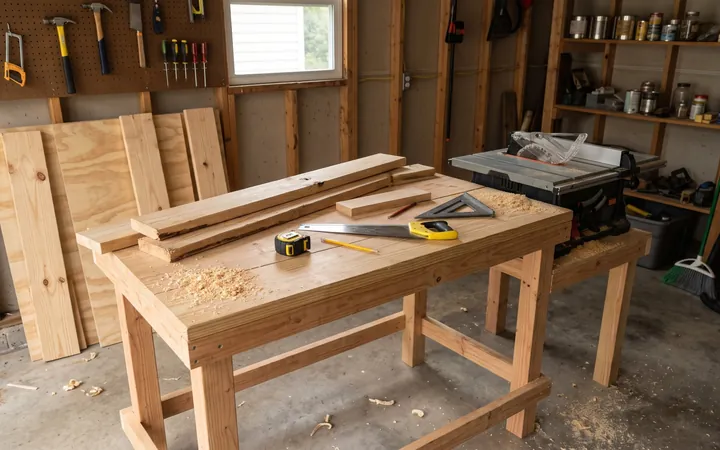
See channels started late in life, a beginner-friendly woodworking empire, and a long-form history podcast. Browse the Library for more.

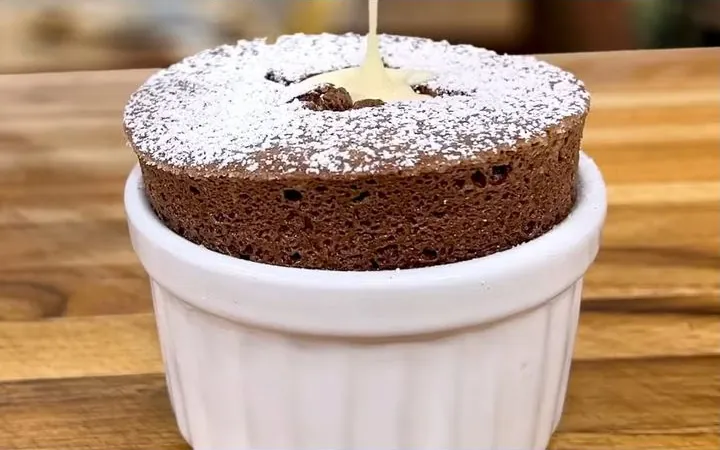
A chocolate soufflé with cream poured in the center
Cooking · YouTube & store

Chef Jean-Pierre

Jean-Pierre Bréhier

Ran a Fort Lauderdale restaurant for two decades, then a cooking school. Relaunched his YouTube channel in 2020, in his late sixties, with recipes and a store of his own tools.

Read the profile →
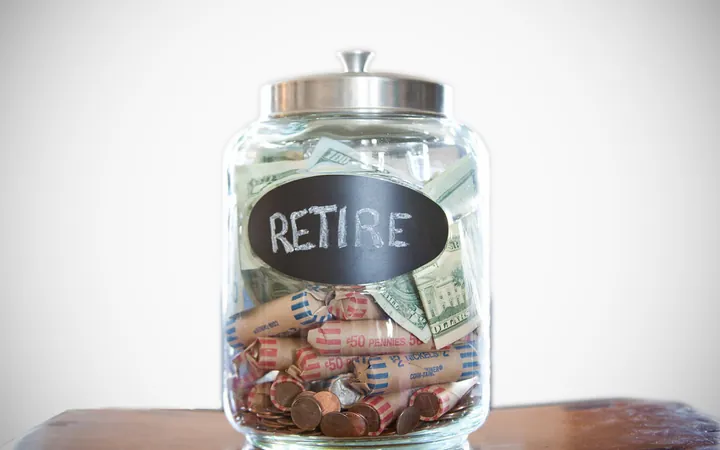
A glass jar labeled Retire, filled with cash and coin rolls
Reliability & retirement · YouTube

Joe Kuhn

Joe Kuhn

He worked at Alcoa for 32 years and retired as a plant manager in 2019. He had no intention of starting a YouTube channel and has since made more than 400 videos.

Read the profile →
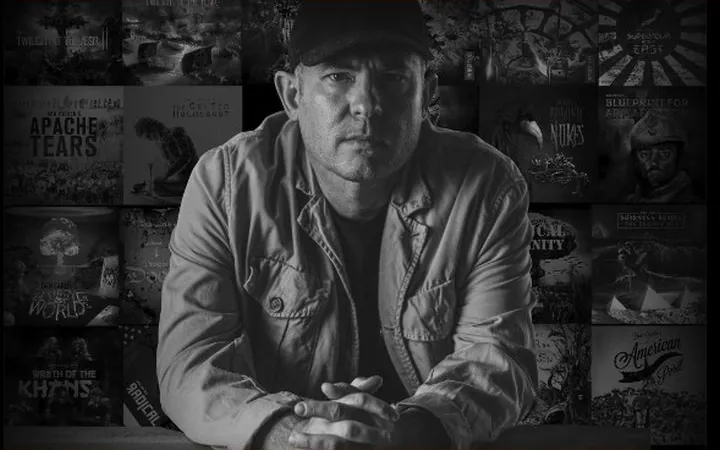
Dan Carlin in front of a wall of episode artwork
History · Podcast

Hardcore History

Dan Carlin

A former broadcaster telling long, deeply researched stories from history. Episodes are free; the back catalog is sold.

Read the profile →

Try this week

Small steps

  • Record a two-minute video explaining one thing you know, on your phone
  • Upload it to an editor and try deleting a sentence from the transcript
  • Watch three teaching videos in your field and note what you liked

Ask Claude

I want to start teaching [your topic] on video for [who]. I’m [comfortable / nervous] on camera. Suggest a simple setup with what I already own, five short first-video ideas, and a script outline for the first one.

Open Claude ↗
Paste the prompt into Claude and fill in the [brackets] with your own details.

QUESTIONS PEOPLE ASK

Questions people ask.

Do I need expensive equipment?

No. A recent phone, a tripod, a clip-on microphone and good window light are enough to start.

Do I have to show my face?

No. Many teaching videos show only hands, tools or a screen, and podcasts need no camera at all.

Descript or Riverside?

Descript for editing your own teaching videos; Riverside for recording interviews and podcasts with guests. They work well together.

How long should videos be?

Long enough to teach one thing well. Many great how-to videos are 5 to 15 minutes.

KEEP GOING

Related guides.

So what are you waiting for?

Start here →